Pulse & subdivision
Hear and count quarter notes, eighth notes and triplets.
iOS · closed TestFlight beta
Pick up your sticks. Find the pulse. MILLITACT connects drum exercises with feedback that helps you see what to work on next.
Free with an account. Breaks stay breaks.

A groove makes more sense when you know where your hits land. In the trainer, the notation and cursor follow the beat. After playing, the analysis shows what is steady and what still varies.
MIDI lets you examine timing by drum. Microphone mode focuses on detected hit times, without reliably distinguishing the drums.
Move the hit to see how its position changes relative to the pulse.
On the pulse Hit and pulse align. This example shows the target position, not a score.
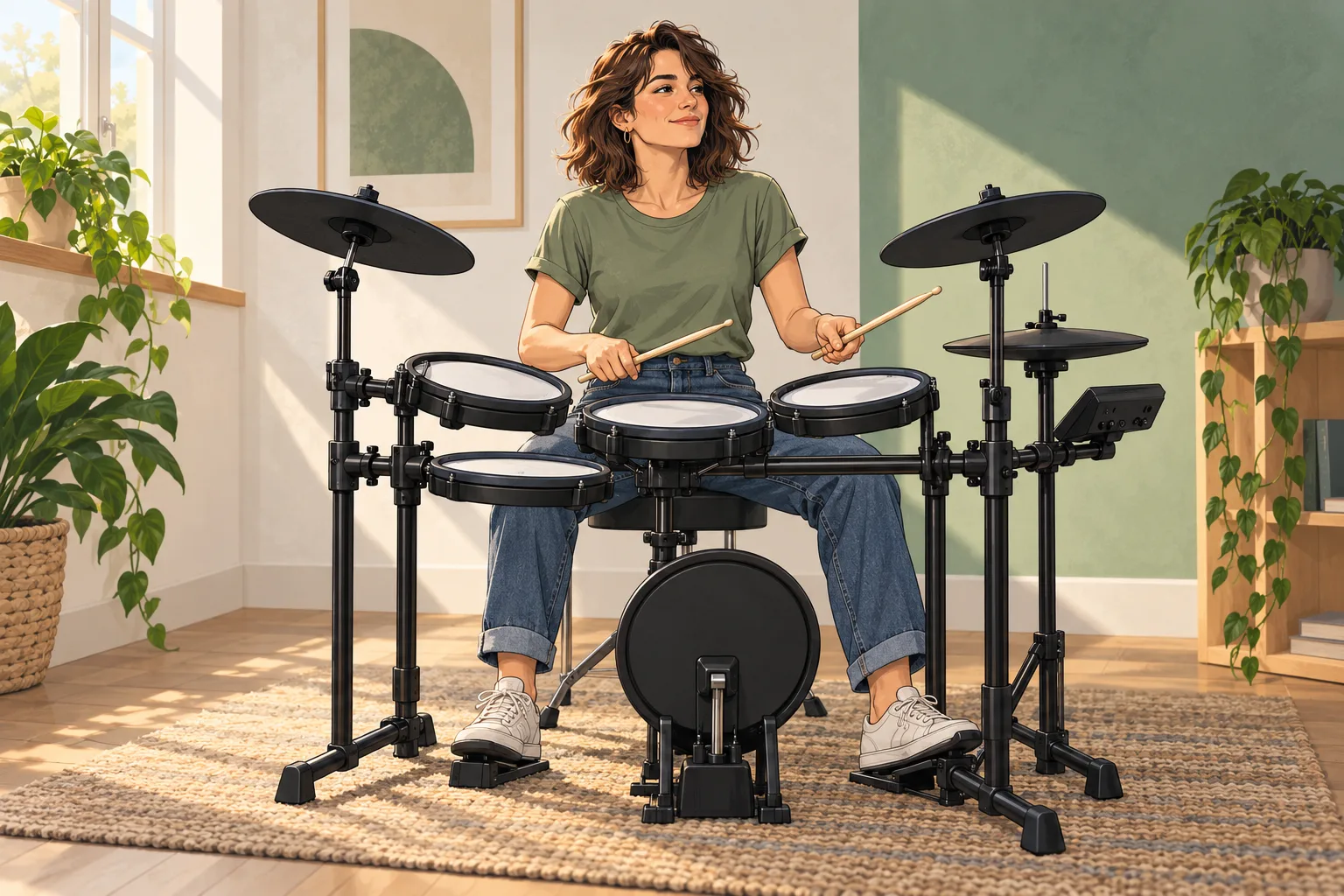
Whether you are starting out or returning to the kit, a steady pulse connects everything. Basics take you from simple subdivisions to coordination, fills and more demanding forms.
Hear and count quarter notes, eighth notes and triplets.
Bring your limbs together, one step at a time.
Build sticking patterns and play transitions within a groove.
Understand groupings and find your way back to the groove.
Bring the foundations into different musical worlds. Choose a style to explore its practice focus.

Syncopation, ghost notes and sixteenths bring a groove to life. Start slowly and deliberately.
Two instrumental style examples, 30 seconds each. Press play to listen.
Funk band · Version 130 s
Funk band · Version 230 s
These learning paths reflect current development. Beta content may differ.
You do not need to read music yet. Rhythm, note values and time signatures are explained in small steps, with a direct connection to your playing.
Four evenly spaced hits in a 4/4 bar. Each beat gets one hit.
The highlighted dots mark the four beats.
MIDI tells the app when you play each pad. Audio is the sound in your headphones. Check the two paths separately, then calibrate your setup.
USB data cable / suitable adapter
Check whether your module supports USB MIDI without an additional computer driver. You need a data cable and, depending on your iPhone, a suitable adapter. Power requirements and pad mapping depend on the devices.
Module MIDI OUT → MIDI IN on a compatible active USB MIDI interface → suitable iPhone adapter. A passive cable does not create a MIDI interface.
Connect headphones and backing audio to suit your module and audio setup. MIDI alone carries no sound. Wired headphones avoid adding Bluetooth audio latency.
The actual combination of iPhone, module, adapter and headphones needs checking. Universal device compatibility is not guaranteed.
Manufacturer guidance: Apple · USB adapters Roland · MIDI and audio
Your account gets 60 minutes of active playing. Spread them across as many days as you like. No calendar expiry. No payment method for the free account.
Currently in the closed iOS TestFlight beta.
Both subscriptions include the same training content. Only the free trial counts playing minutes; subscriptions run by calendar time.
9.99 USD / month
Billed monthly
79.99 USD / year
Paid annually in advance
Web subscriptions are being prepared. Stripe purchases are not available here until launch approval.
Approved US reference prices. Prices for other countries remain open. The Apple offer shown in the iOS app before purchase is the applicable price.
A confirmed subscription renews until cancelled. The free trial does not start a subscription.
Three short guides for your next step at the kit.
A practical routine for pulse, backbeat and subdivisions: count, isolate one change and use timing feedback with an appropriate input setup.
Read guide →Understand USB-MIDI, Bluetooth-MIDI, USB-C and Lightning. Check your drum module’s data connection and plan a separate listening path.
Read guide →Count and hear drum subdivisions. Build quarter notes, eighth notes, sixteenths and triplets into a backbeat without changing the tempo.
Read guide →Yes, Basics start with pulse and subdivision. You can practise at your own pace. MILLITACT is a practice tool; personal instruction can complement it.
Only intervals between detected hits during a started exercise count, up to and including 2.5 seconds. Longer breaks, setup and result views do not count. Access and playing time are linked to your account and need an internet connection.
iOS is in a closed internal TestFlight beta. There is currently no public App Store download. A native Android app is not available. You can ask about access by email; an invitation is not guaranteed.
The illustrated musicians are original fictional comic characters. The rhythm explanation shows a principle, not measured training performance.
Your training history is currently stored locally on your device and separated by account. The account synchronises access and playing time, not your entire training history.